To add a terminal click on one of buttons in the Add→Symbol button group.
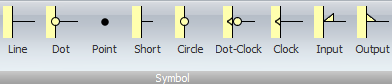
Add Terminal Ribbon Buttons
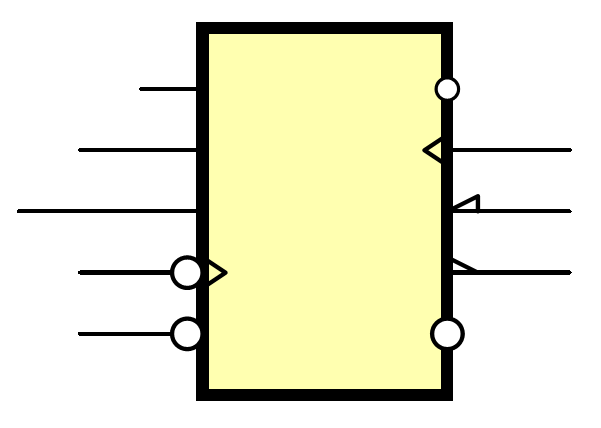
The 10 Different Terminal Types
1.Short Line Pin. Standard, simple line connector used for general-purpose analog and digital inputs/outputs.
2.Medium Line Pin. Standard, simple line connector used for general-purpose analog and digital inputs/outputs.
3.Long Line Pin. Standard, simple line connector used for general-purpose analog and digital inputs/outputs.
4.Dot Pin. Typically indicates an inverted or active-low terminal (e.g., \(\overline{\text{RESET}}\) or \(\overline{\text{ENABLE}}\)).
5.Dot-Clock Pin. Denotes an active-low/negative edge-triggered clock input.
6.Zero-Length Pin. A pin with no visible line; mostly used for space-saving on dense IC symbols.
7.Clock Pin. Denotes a clock or edge-triggered input (e.g., triangle-shaped on a flip-flop).
8.Output Wedge Pin.Represents an active-low or inverted general output
9.Input Wedge Pin. Represents an active-low or inverted general input.
10.Point Pin. A pin with no visible line; mostly used for space-saving on dense IC symbols or symbol with no terminal magnets.